
Introducing Phased Build Roadmaps in Shravz AI: Modular Code Generation Without Limits
Generating comprehensive, multi-section web applications using standard AI code prompts often encounters output token ceilings and truncated code. When building
Introducing Phased Build Roadmaps in Shravz AI: Modular Code Generation Without Limits
Generating comprehensive, multi-section web applications using standard AI code prompts often encounters output token ceilings and truncated code. When building complex UI structures, multi-tier sections, and custom logic all at once, single-prompt generators struggle to maintain complete syntax integrity.
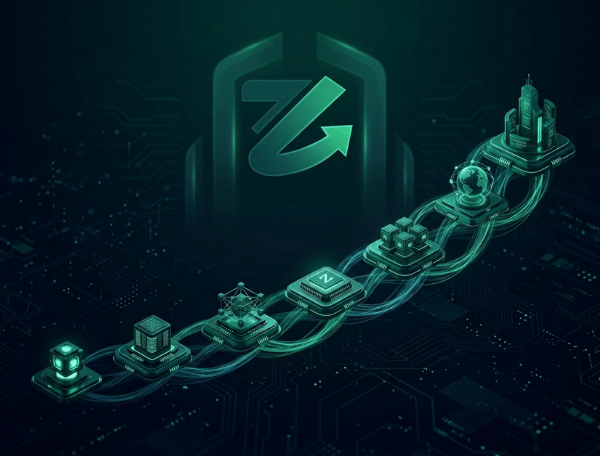
To solve this, Shravz Builder introduces Phased Build Roadmaps—an intelligent pipeline that splits heavy development workloads into clean, sequential build milestones.
How the Phased Build Architecture Works
Whenever a prompt requires extensive multi-component architecture, the Shravz Architect engine automatically breaks down the execution plan:
- Automated Workload Decomposition: Shravz isolates core layout structures, interactive components, and dynamic integrations into distinct sequential phases.
- Complete Step Compilation: Each individual phase compiles in full without code truncation or missing closing tags.
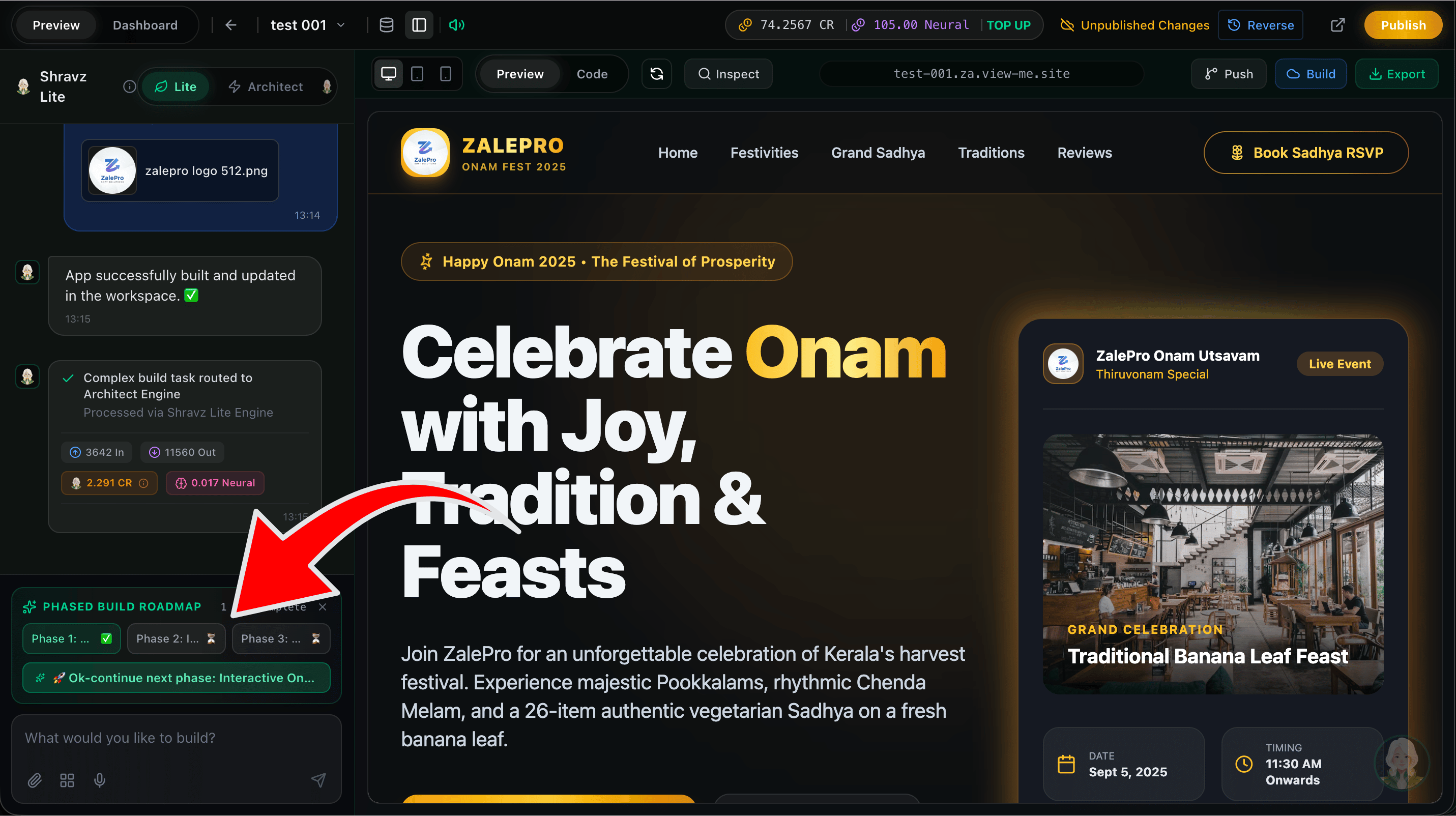
- Interactive User Confirmation: Once a phase is rendered in the live workspace preview, users review the state and click to proceed with the next phase seamlessly.
- Continuous State Inheritance: Every subsequent build step inherits the existing workspace context, layering new features on top of verified code.
Key Platform Benefits
- Zero Truncation: Large web pages and applications build completely without hitting model token cutoffs.
- Full Stage Visibility: Inspect intermediate UI and database configurations before compiling additional features.
- Optimized Execution: Reduces failed runs and token re-renders by compiling complex apps deterministically.
Getting Started
The Phased Build Roadmap feature is live and active across all Shravz Lite and Architect workspaces. Open your project dashboard to start building scalable full-stack applications step by step.